Kudzu Analytics Gateway
The Kudzu Analytics Gateway allows you to interface directly with the analytics system by sending data from gateways or custom collectors. Two common approaches are described below: a UDP forwarder proxy running on the gateway hardware, and direct gRPC push from your own application code.
Prerequisites#
Before pushing data, configure an API Ingress integration in your network to obtain a Net ID and API key. See API Ingress configuration for setup instructions.
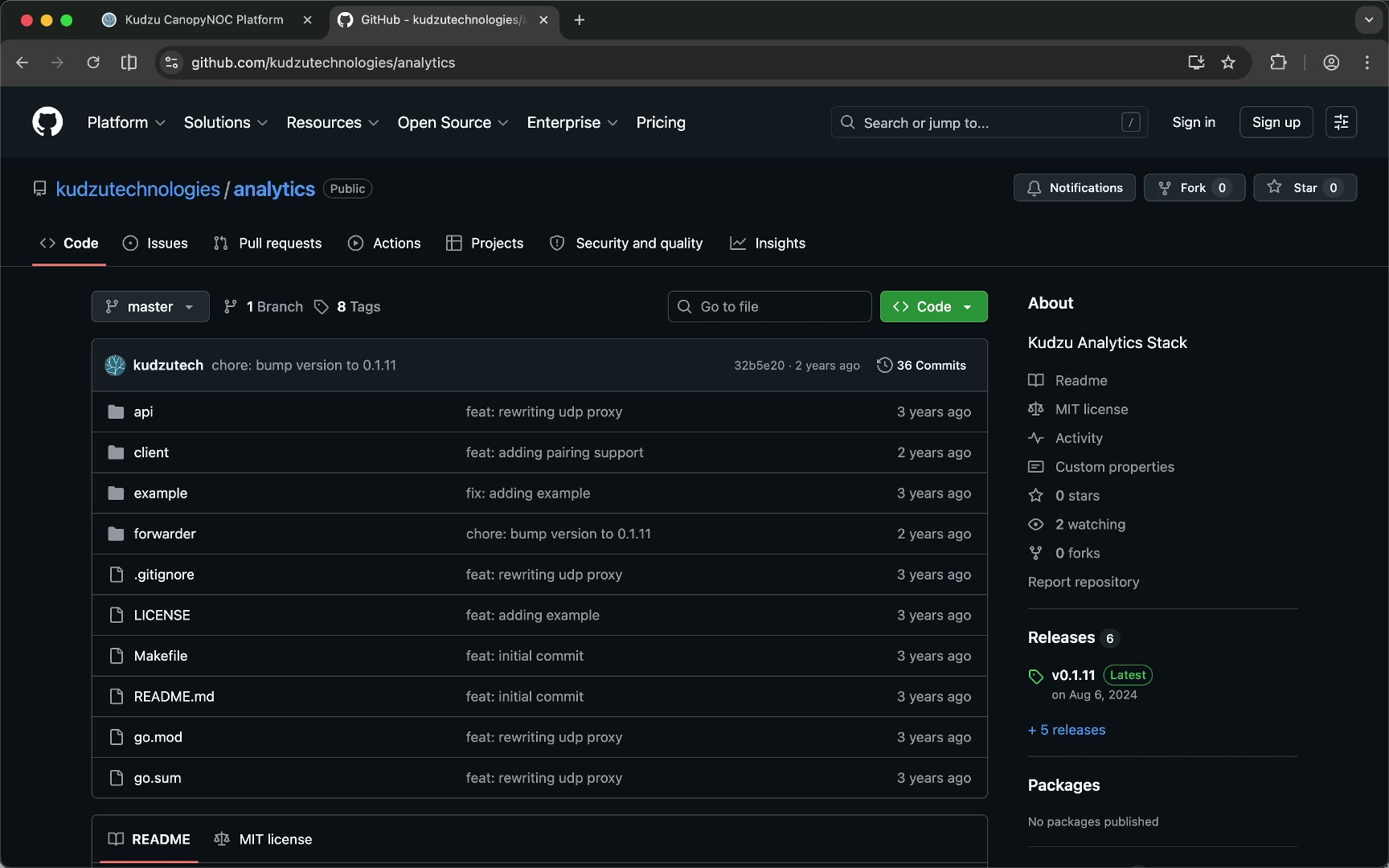
UDP packet forwarder proxy#
You can run the Kudzu UDP broker inside a gateway to forward analytics data transparently alongside your existing packet forwarder traffic.
Download#
Static binaries for major CPU architectures are available on the GitHub Releases page.
Configuration#
Copy the binary to the gateway filesystem and configure the following environment variables before starting the broker:
export PROXY_0_LOCAL="127.0.0.1:1801"
export PROXY_0_REMOTE="<upstream-server>:1801"
export KUDZU_0_ENDPOINT="router.kudzu.gr:8884"
export KUDZU_0_NET_ID="<analytics-network-id>"
export KUDZU_0_GATEWAY_ID="eui-<gateway-eui>"
| Variable | Description |
|---|---|
PROXY_0_LOCAL | Local address where the broker listens for incoming UDP packets. Point your packet forwarder here. |
PROXY_0_REMOTE | Upstream server address where the broker forwards UDP packets. Point to your LNS or network server. |
KUDZU_0_ENDPOINT | Address of the Kudzu Analytics Gateway gRPC endpoint. |
KUDZU_0_NET_ID | The Net ID assigned to your network in the API Ingress configuration. |
KUDZU_0_GATEWAY_ID | Your gateway EUI with the eui- prefix (e.g. eui-0011223344556677). Use lowercase. |
Start the broker#
./kudzu-broker
The broker intercepts UDP traffic between the packet forwarder and the upstream server, extracts analytics data, and pushes it to the Kudzu Analytics Gateway over gRPC.
Programmatic gRPC push#
You can connect directly to the gRPC endpoint and submit analytics data from your own application. The Kudzu Analytics repository contains:
- The protobuf definition for generating client stubs.
- An example Go client demonstrating message construction and submission.
See Analytics gRPC Endpoint for connection details and Analytics gRPC Reference for the full message specification.
